reverse file search
auto-organise screenshots
screenshot with url
stop losing files you saved
apple notorized
free to start
secure & private
"...the idea of searching by image instead of filenames actually makes a lot of sense for real workflows like design work feels like one of those things where default tools don’t match how people actually work anymore!!"
khushboo
"That’s a great tool. I have been facing this issue from a long time as I don’t really take much time organizing the folders with clients name LOL my fault 👀 but this tool is really made for mee. Thank you for sharing this 🙌🏻"
hamza
"auto keeping the source link is actually the killer feature here. screenshot apps pile up fast, but finding where something came from later is the real pain"
leaderatleading
"wow, that's cool! i just searched and searched some weeks ago about something like this and this seems to be able to help me improve drastically my workflow! thanks! 🙏"
austmathr
"Goat"
simon
"... super practical and has a beautiful interface"
top 1% commenter
"impressive and a much needed tool for many"
samah
"wow , this should be called magic search!"
sandeep
"pretty cool tools to help to find the files that are hard to find without burning through the ai tokens"
endymion
auto-organise screenshots
the only app that remembers where your screenshots came from
everyone takes screenshots but no one has a good way to organise them.
with reverscan, the moment you take a screenshot, it detects which app was in focus, and if it’s a browser, it captures the exact url and page title too.
every screenshot is automatically filed into a clean folder structure for easy rediscovery.

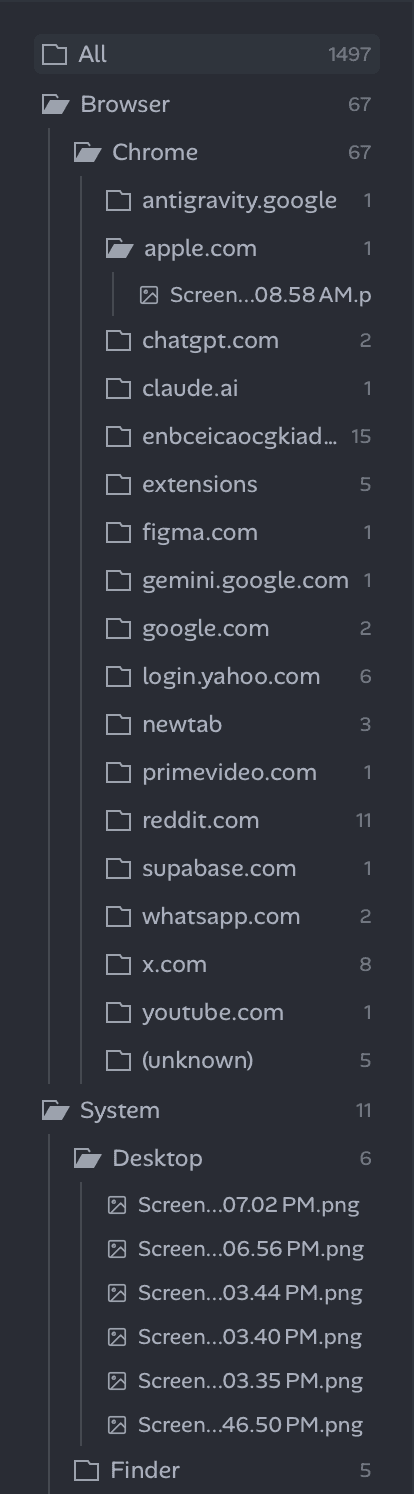
auto-categorize
into a clean folder structure

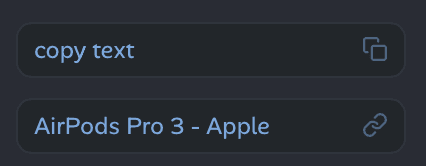
copy text
from any screenshot

link to original
to preserve context
stop naming files.
start finding them.
most creative professionals waste a lot of time finding their files.
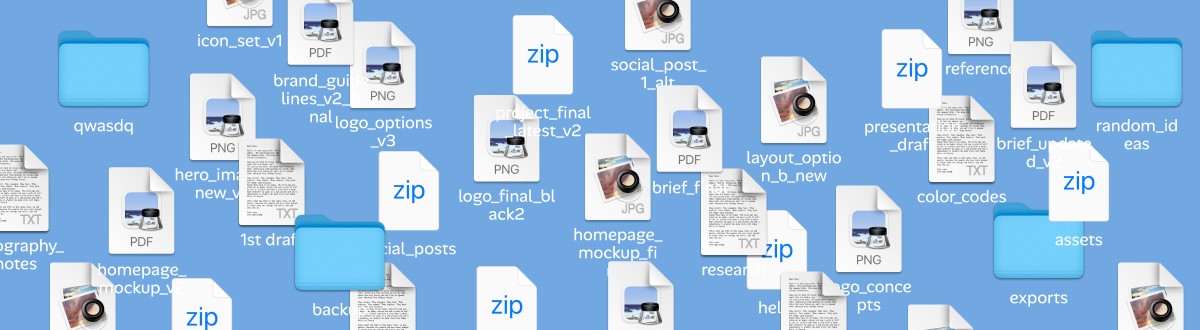
and the reason is simple: file naming systems break over time. it’s exhausting to stick to it consistently & clients often rename files. when this happens, you compensate by manually searching, digging through old hard disks.
until all of a sudden you lose time and flow, break your momentum and create delays. and that’s when clients start to feel like you aren’t in control.
i’ve run a design studio for 10+ years and I've lived through this pain every single day.
you need a file search system so that you can find anything instantly, regardless of what it’s named, what it looks like or where it lives. a system like that is that it’s the single most effective way to find your files instantly.
so stop wasting time on naming systems or endless digging, and focus on what actually matters to show up as a true professional in front of your clients.

powerful indexing
everything you’ve ever worked on. find in seconds.
burn your naming convention.
admit it, it hardly worked. a client renames your file or you don't name one file properly, and you can't rely on your sophisticated system anymore.
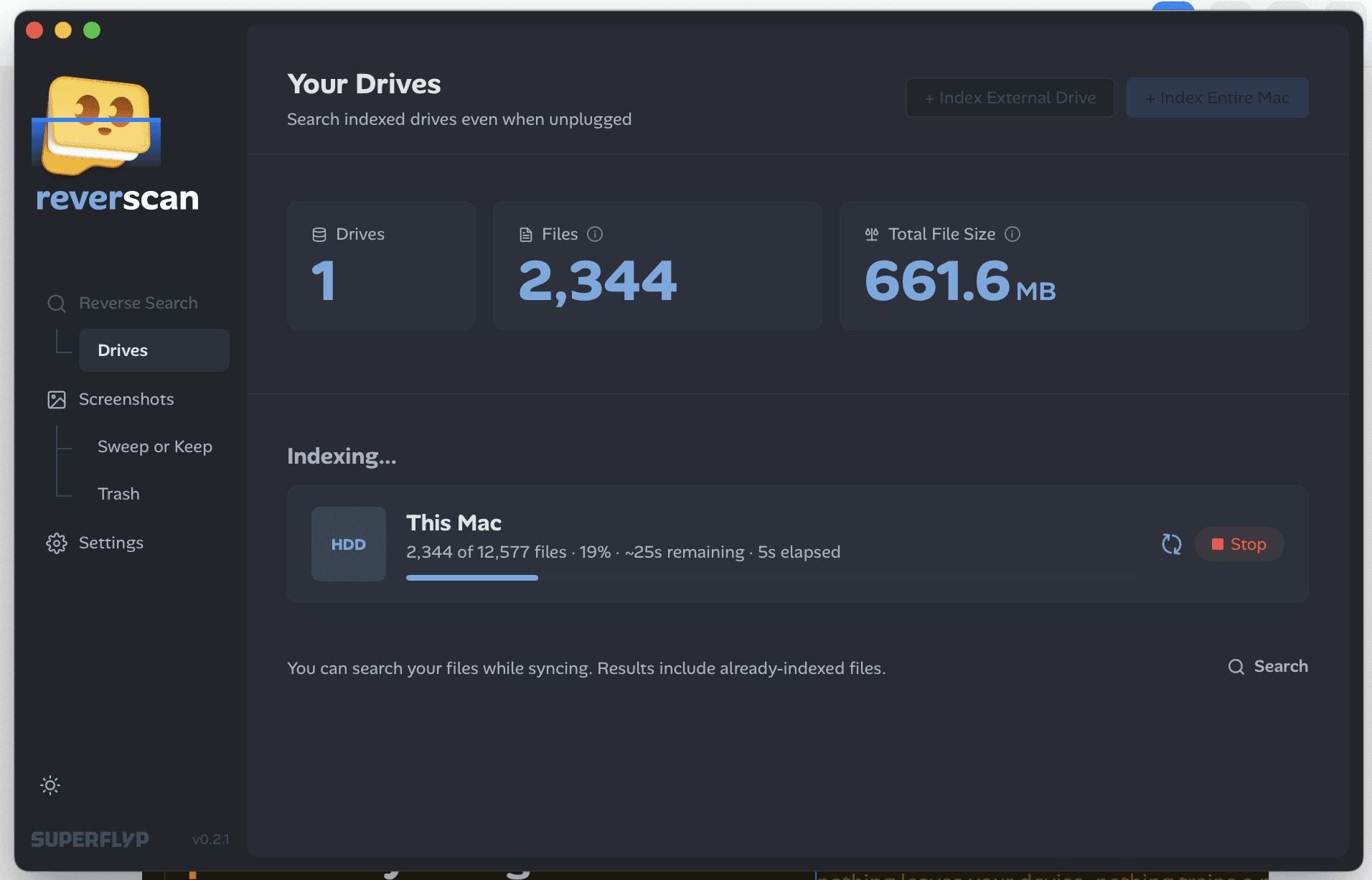
reverscan walks your entire drive and reads all relevant files: pdfs, design files, word docs, images, markdown. it extracts the text content inside each one and builds a fully searchable local database on your mac.
type a phrase you half-remember from a document you wrote two years ago. it's there.

private. by design.
reverscan supports major file types including







your files shouldn't disappear just because you named them asdwqasd
world's first reverse file search for mac

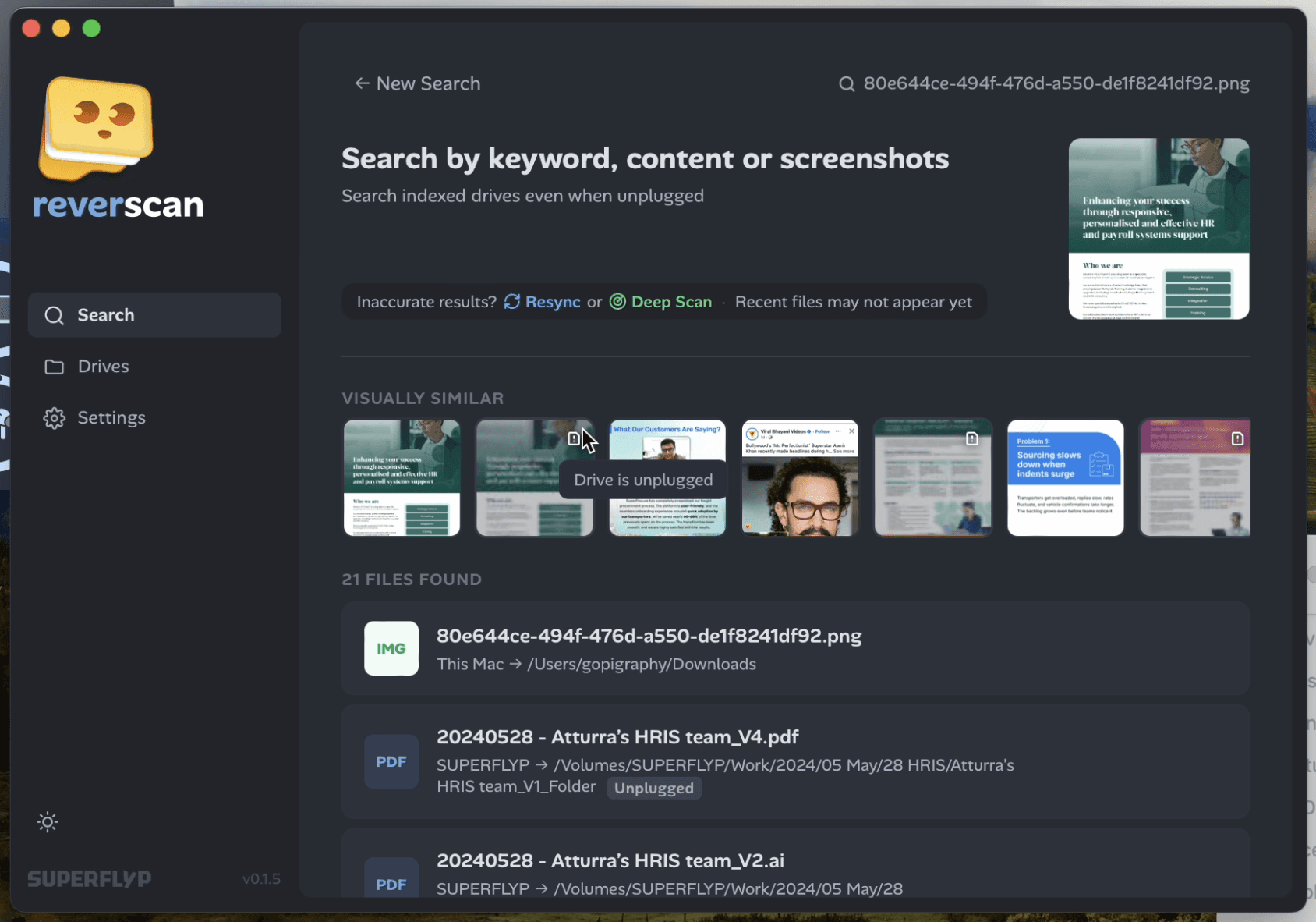
search by visual
find files with visual similarity

search by file
drop a file to find related matches

search by text
type the filename or contents in the file

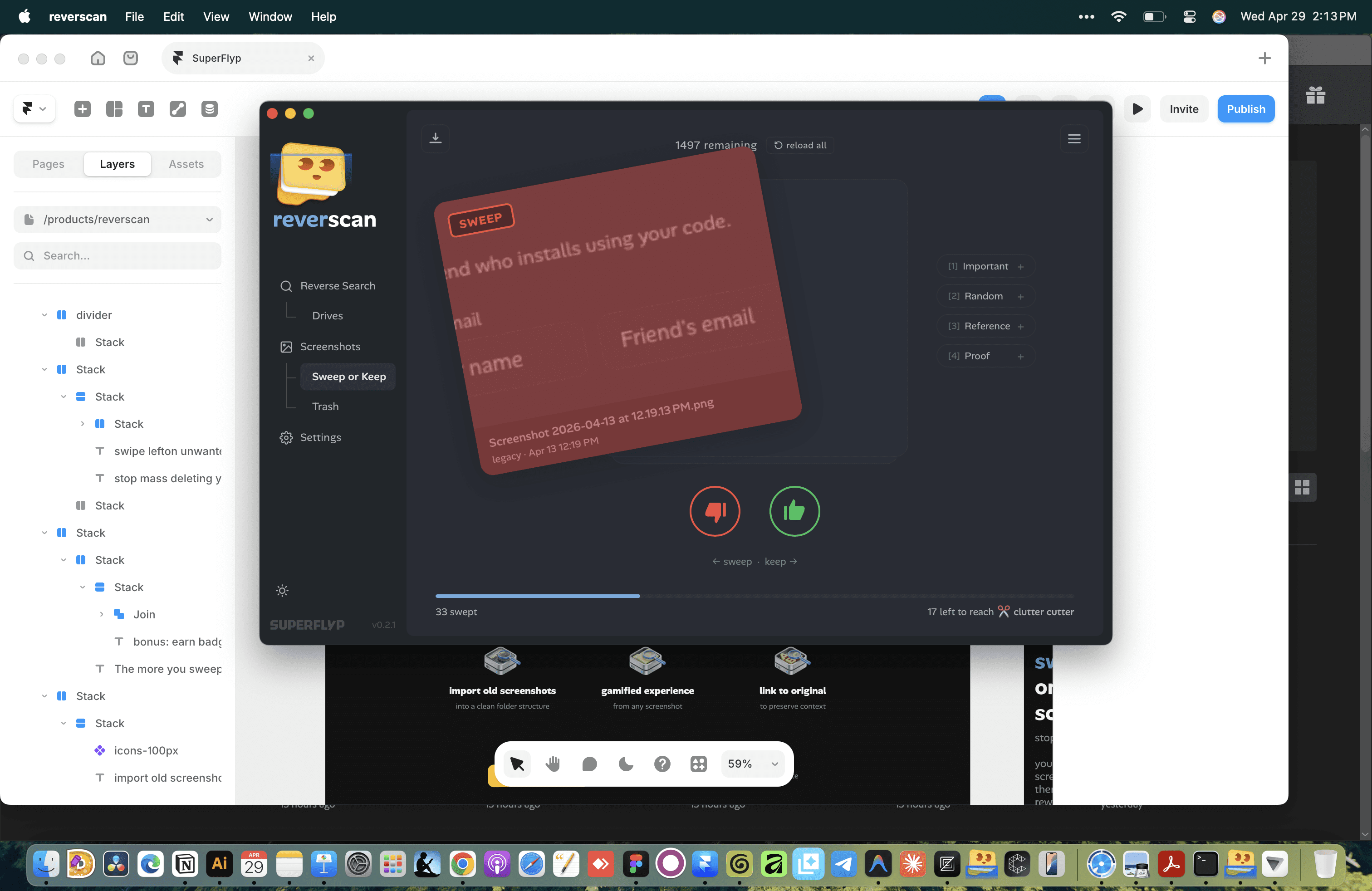
SWEEP OR KEEP
swipe left
on unwanted screenshots
stop mass deleting your screenshots.
you can now swipe left to sweep or swipe right to keep. it comes with a progress bar that rewards you for cleaning.
now you can finally stop hoarding those screenshots.
import old screenshots
100% local.
100% private.
your files never leave your device.
everything stays private, fast, and offline.
starter plan
perfect to get started
$0
index & search your entire computer
unlimited deep scans on entire computer
50 screenshots with ocr & urls
refer a friend to index one external drive
for every friend who joins and installs reverscan, we'll give you both one external drive to index
deep scans on external drives
pro plan
for power users
$19
pay once
LAUNCH PRICE
index & search your entire computer
unlimited deep scans on entire computer
unlimited screenshots with ocr & urls
add unlimited external drives
unlimited deep scans on external drives
1 year of free app updates
perpetual access to the version you bought
what is reverse file search?
reverse file search allows you to find similar files, images or sources by uploading an image or file instead of typing a text query.
how does the license work?
when you purchase a reverscan license, you can use it indefinitely — no renewals, no recurring fees. one license works on one device at a time. you can move it freely between devices; activating on a new device automatically deactivates the previous one. each license includes one year of free app updates.
what's the refund policy?
14-day money-back guarantee, no questions asked. email reverscan@gmail.com and you'll get a full refund.
will my access expire?
no. your one-time purchase gives you perpetual access to the version you bought, plus one year of free app updates from your purchase date.
why just 1 year of updates?
reverscan is built and maintained by a solo developer (that's me, arun). i'd love to offer lifetime updates, but the honest truth is this project is still growing, and some features down the road may require ongoing server or infrastructure costs. if that happens, i don't want to be locked into a promise i can't sustainably keep. one year feels fair: you get a stable, fully-functional app, and i get the flexibility to build something that lasts. and just to be clear, whatever version you buy is yours to keep, forever. no one's taking that away. need an extension? just write to me at reverscan@gmail.com and i'll be happy to look into it for you.
i built reverscan because i couldn't find my files
while running a design studio, my work involves sending files to clients and it's fairly normal for them to come back months or sometimes years later asking for edits.
by that time, they would have changed the filename, or sometimes they would just send a screenshot of the file they wanted edited.
this would mean searching through my emails, going through multiple hard-drives to find those files. and that would make locating those files next to impossible.
there have been times when i've spent days looking for files or genuinely gotten pissed off that they renamed my disciplined naming + finding system.
so i decided to make reverscan to fix this problem. i no longer need to care about file names or a disciplined storage hierarchy (though you should probably still do that for your own sanity).
i hope this brings you some peace of mind.